
KIPPUSH CUSTOM APPAREL
Gildan SF000 Softstyle Midweight Crewneck
Choose a garment and colour, add your artwork, then select your size mix. Review the price and add available selections to your cart.
Explore the styles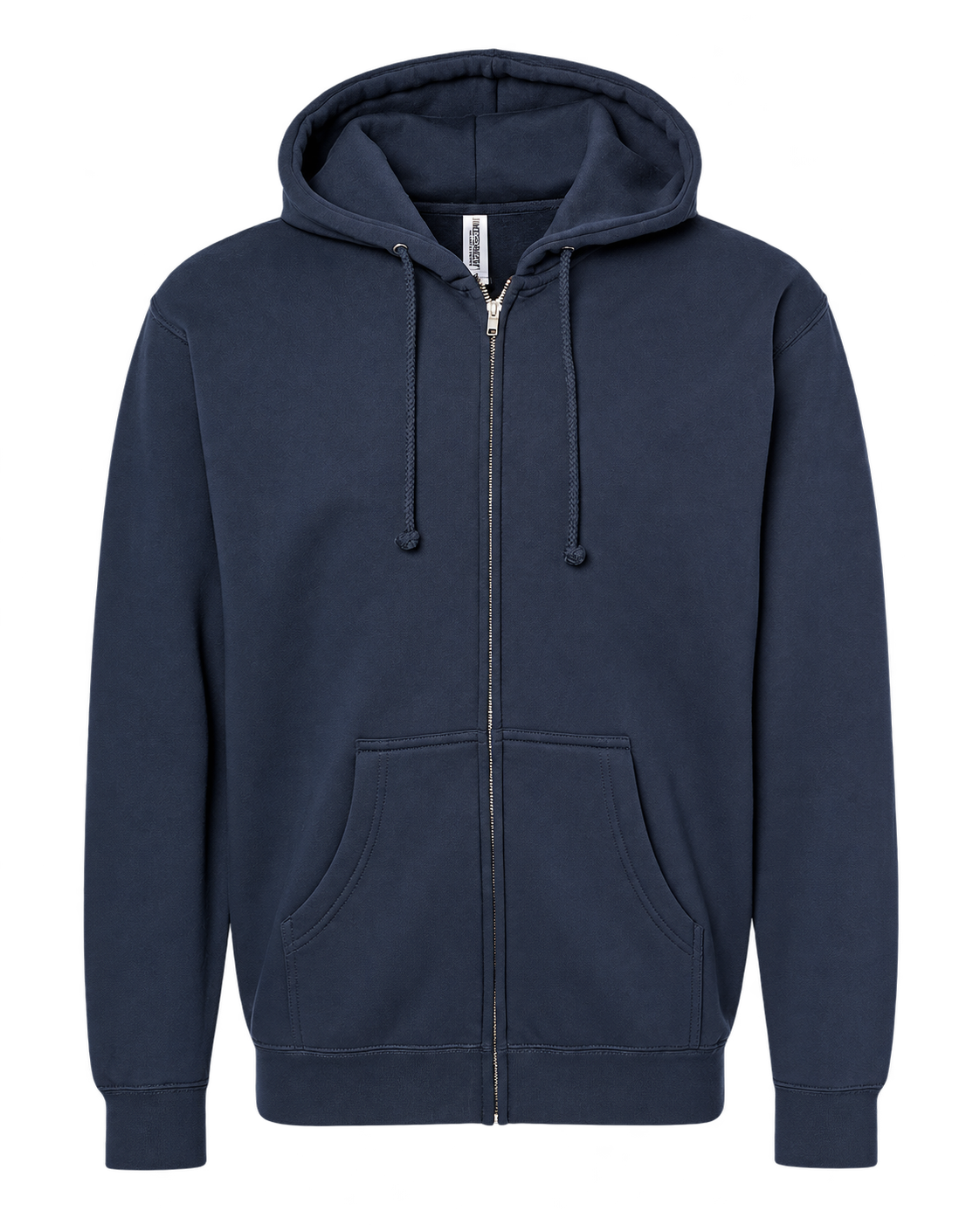
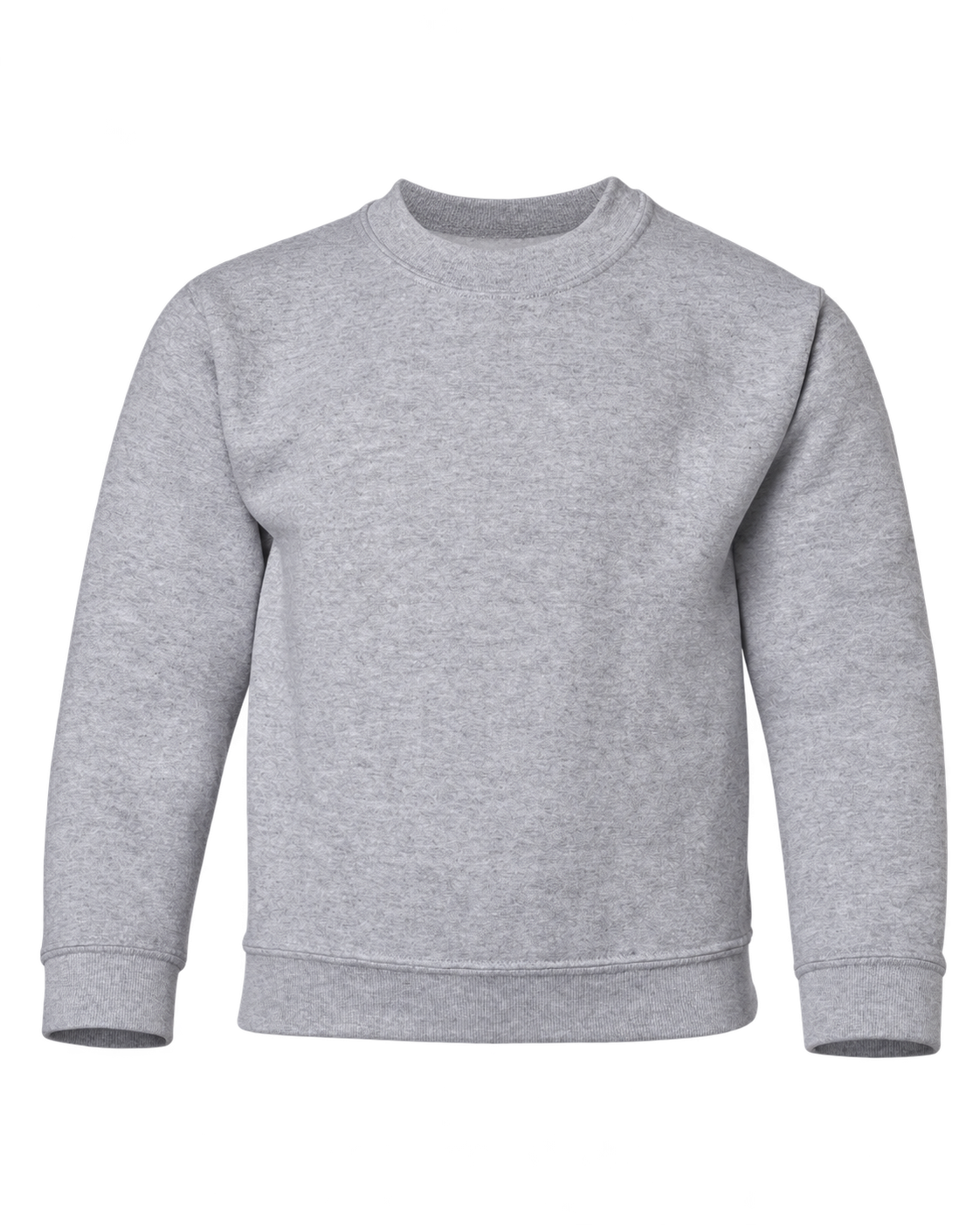
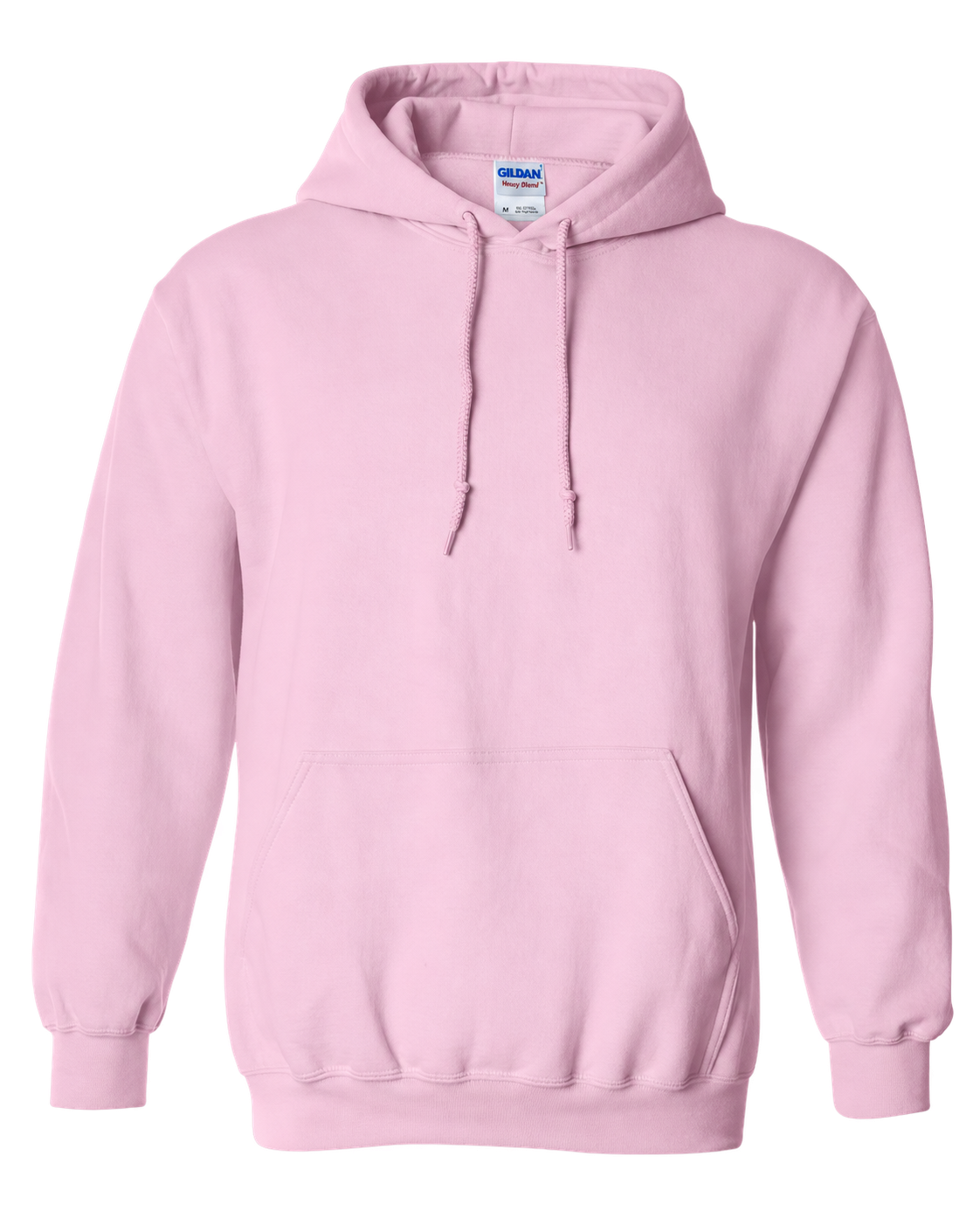
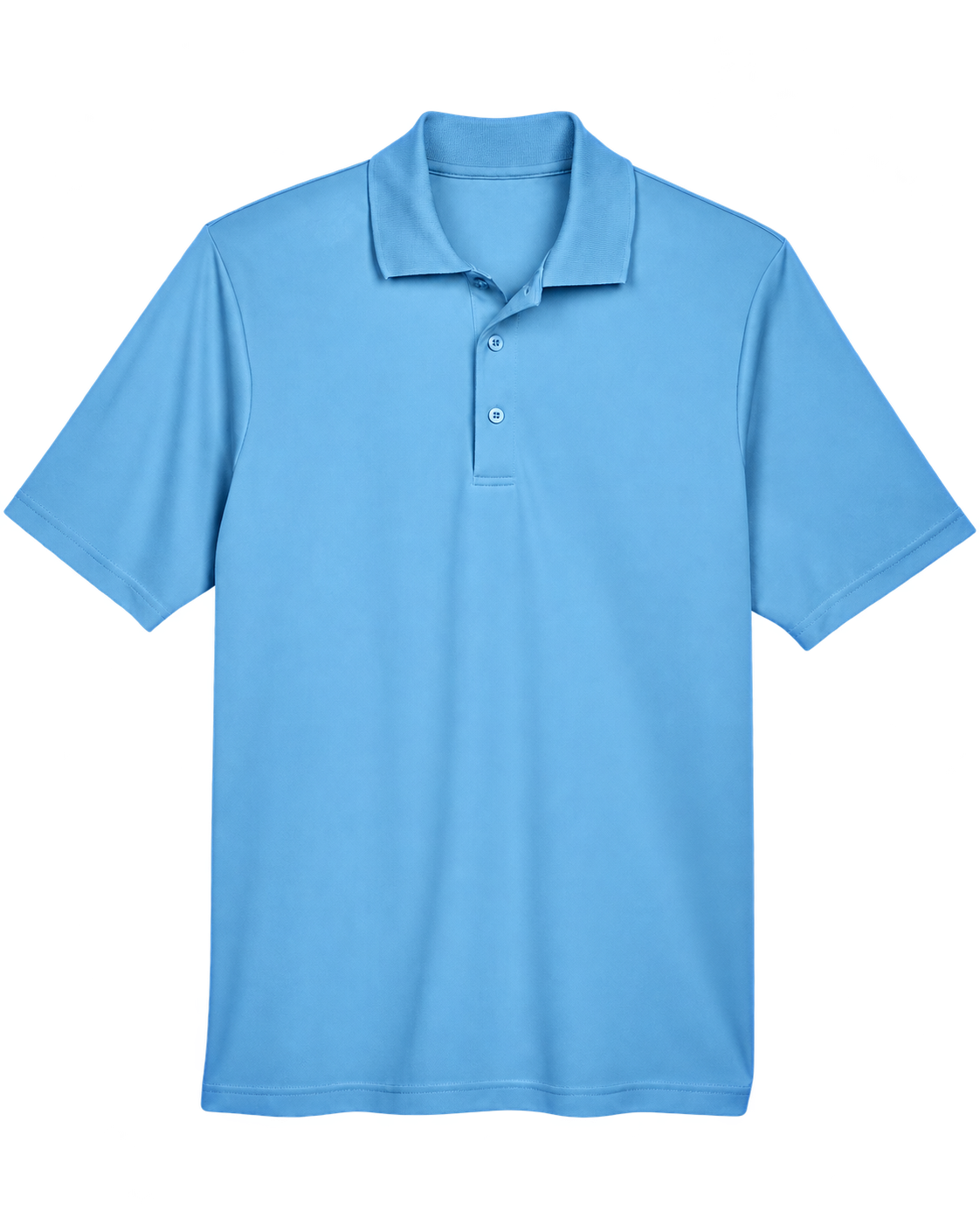

CHOOSE A GARMENT
Styles
YOUR APPAREL PREVIEW
Artwork
Enter one dimension after uploading artwork; the other follows its proportions. Preview size is approximate.
Tip: artwork files
Upload PNG, JPG, JPEG or PDF artwork sized for printing. Transparent PNG is best for cutout artwork. JPEG backgrounds are retained exactly; we do not infer transparency. For a multipage PDF, choose the exact page to print after upload.
For best results, use 300 PPI at your chosen print size. We keep the original file and selected PDF page metadata and may ask for a clearer original. Password-protected PDFs are not supported.
Tip: colour matching
Enter your Pantone Solid Coated references. We’ll match the colours as closely as possible; exact matches aren’t guaranteed. Metallic and neon effects cannot be reproduced with standard printing.
Product views
Drag to move · drag a corner to resize · arrow keys to nudge
Garment color
We'll confirm color availability before an order.
Quantity by size
Planned quantity: 0 garmentsChoose a quantity for each size you need.
Enter a whole number of 0 or more for each size.
Price
Choose sizesChoose your sizes and print options to see the price. Tax and shipping are extra.
Tip: pricing and production
Garment prices vary by size. Quantity discounts apply to printing only. Shipping and tax are additional. Artwork is reviewed before production; quote-only selections require confirmation.
Your selection
Pricing to be confirmed · Original artwork stays on your device and must be emailed separately to info@kippush.ca.
Contact us to discuss printing, pricing, and timing for your project.
GARMENT DETAILS
- Fabric
- Weight
- Fit
- Details
- Sizes
Garment measurements by size
PRINTING QUANTITY PRICES
Printing rates
| Garment quantity | Print / side / item | Front + back / item |
|---|
Add the garment retail shown beside each size. All selected sizes of one model count toward its quantity break; two printed sides still count as one garment. Print size changes fit, not the flat printing price within the maximum. Between listed breaks, the lower break applies provisionally. More than 100 items need a quote. Production, decoration, availability, shipping and applicable tax require confirmation.
Custom apparel help
Questions before you build
Use the builder to compare the choices available for each garment, then review your selections before adding them to cart.
Can I order apparel without artwork?
Yes. Choose Blank in the builder and add quantities by size. The builder shows the garment-only price for available Blank options.
How do I add artwork?
Select Front or Back, then upload a PNG, JPG, JPEG or PDF up to 10 MB. The on-page preview is approximate; print details are reviewed before production.
How do I choose sizes and print sides?
Enter a quantity for each size you need. Use the Front and Back controls to add artwork to each side offered for that garment, and choose both when you need printing on both sides.
How do quantity breaks affect price?
All selected sizes of the same garment model count toward the quantity break. The garment portion stays fixed; the break changes only the printing portion. The cart shows the final rounded market amount.